Notes float over streaming apps.
Go live with talking points at your fingertips.
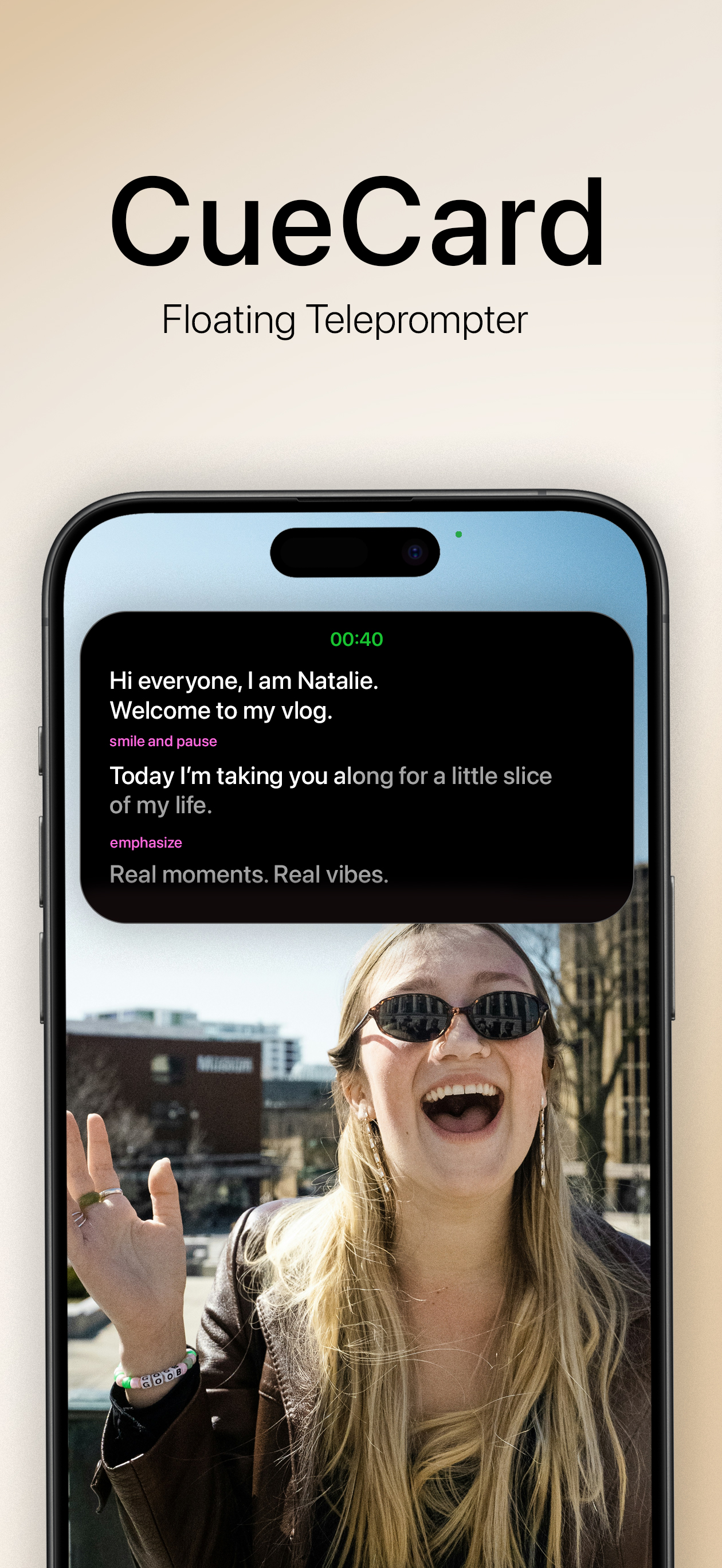
No more forgetting your lines or switching screens.
Everything You Need
to Stay on Script
Auto-Scroll Teleprompter
Auto-scroll your script at a comfortable pace so you can stay focused.
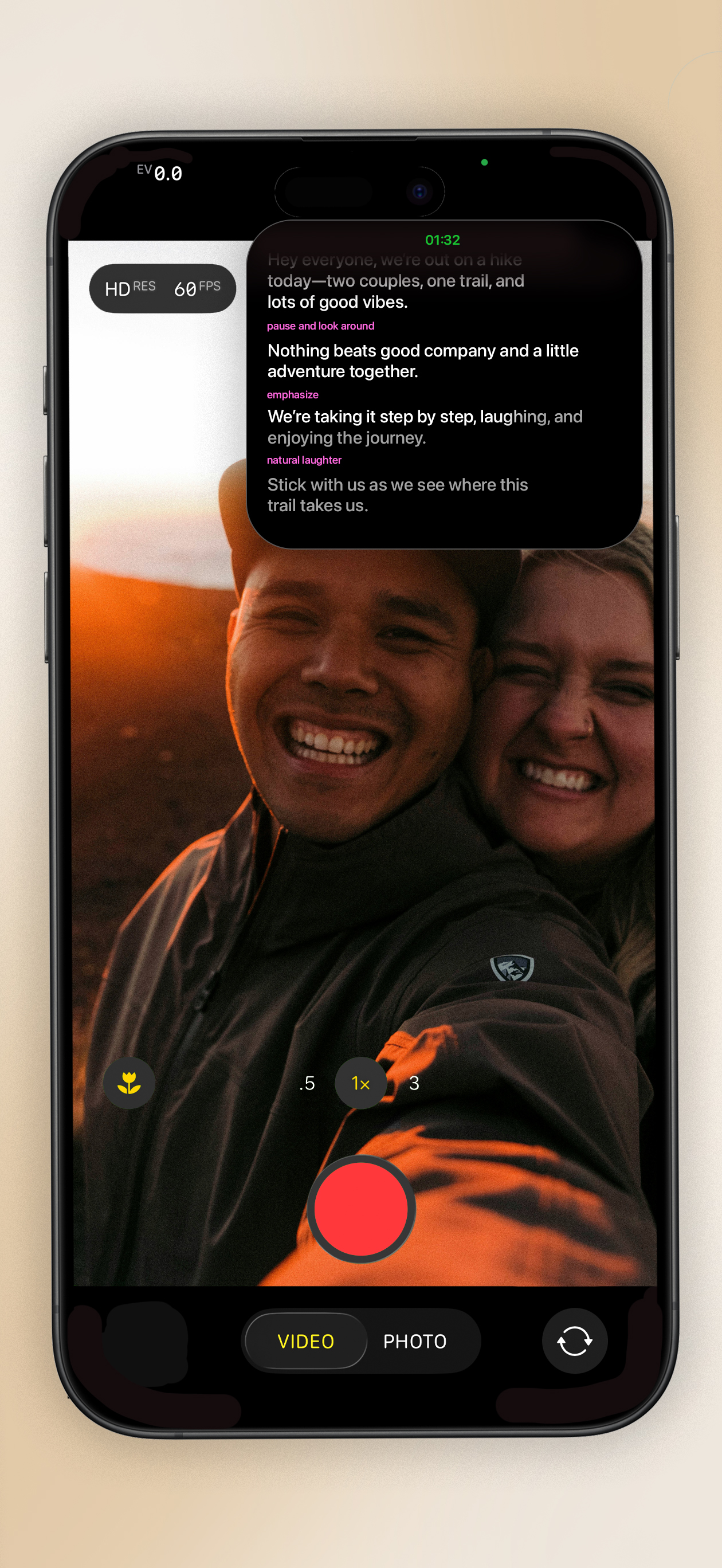
Floats Over All Apps
Your notes stay visible while using Camera, Instagram, TikTok, or any other app.
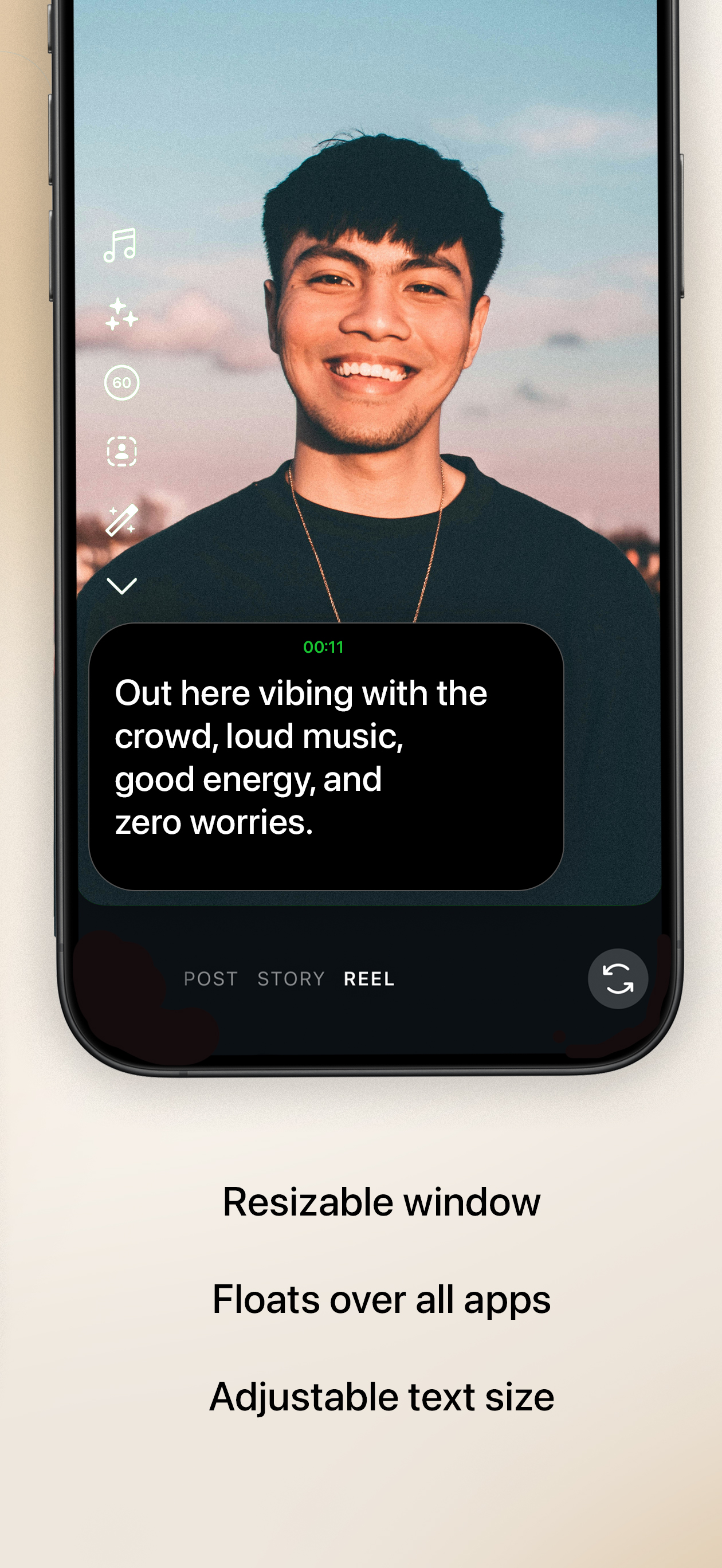
Resizable Window
Adjust the teleprompter size to fit your screen perfectly.
Adjustable Text
Customize font size and scroll speed for comfortable reading.
On Time, Every Time.
Note It.
What You Write
Write your notes naturally on CueCard, or optionally add [time]
and [note] tags to guide timing and tone.
What You See
CueCard highlights timestamps, and action cues while the on-screen timer gently counts down.
Questions?
We've got answers.
Does CueCard work with mobile streaming apps?
Yes! CueCard floats above any app including Twitch, YouTube Live, TikTok Live, and Instagram Live.
Can viewers see my notes during the stream?
No! CueCard is only visible to you. Your viewers see your stream, not your floating notes.
Is it useful for IRL streams?
Absolutely! Keep location info, talking points, or sponsor reminders visible while streaming on the go.
Can I use it for live Q&A sessions?
Yes! Keep prepared answers or topic notes visible so you can engage confidently with your chat.